Import & Export
The Import & Export tab allows users to retrieve the import and export history of an interface.
When users select an interface from the drop-down list, all log details specific to the interface are displayed.
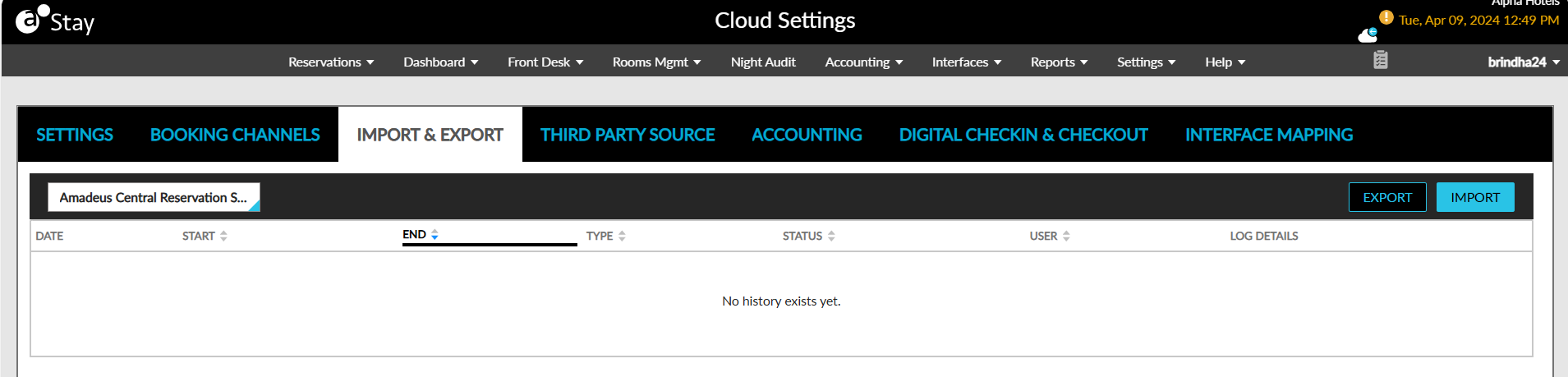
To import interface specific settings through the import sheet:
Click Import.
Click Choose File and browse for an xls or csv file to upload.
Click Upload. The interface settings get imported.
To export interface-specific settings:
Click Export.
The interface setup data are downloaded as an .xls file to the system.